12 November 2026
Auto-Translated Website? Your Customers Notice in Seconds
A translation widget looks like a quick win for a multilingual business. In practice it confuses customers and stays invisible to Google. Here is the better way.
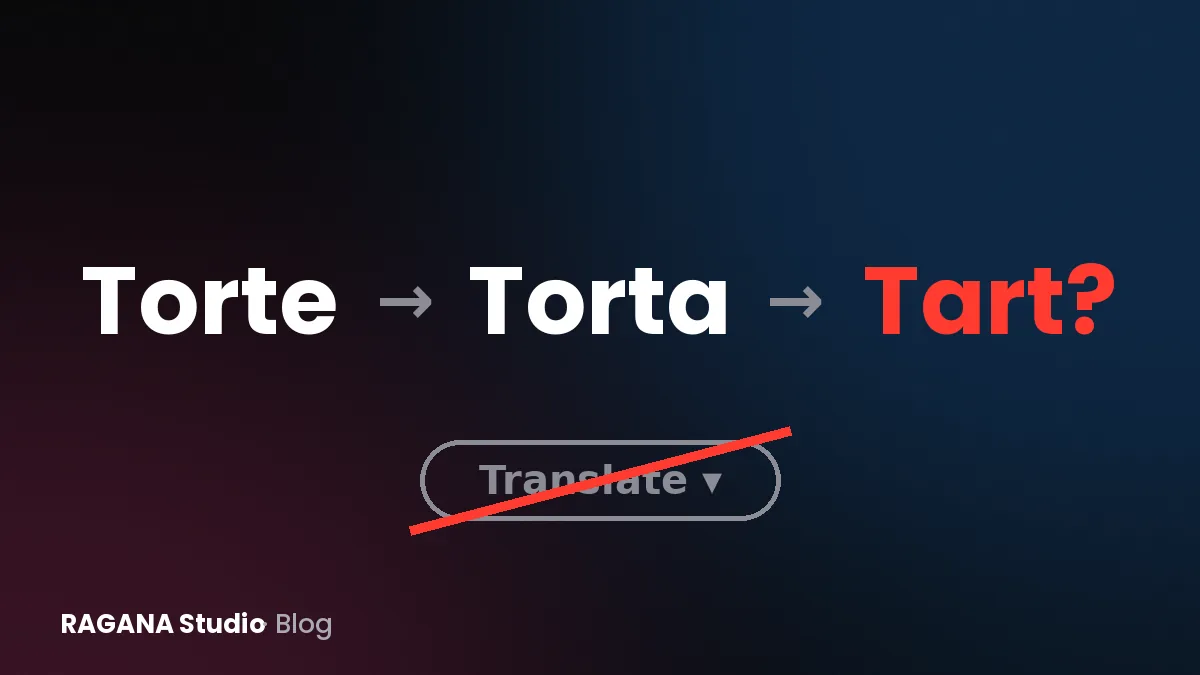
You run a business in Romania, Hungary or Austria, and your customers speak at least two languages. So you add a little flag menu with automatic translation and tick "multilingual" off the list. It feels like a smart shortcut. To a native speaker, it often reads like a ransom note, and Google may not see the translations at all.
I speak Romanian, Hungarian, English and German, and I regularly read sites that were "translated" by a plugin. Some sentences are fine. Others are confusing, unintentionally funny, or wrong in ways that cost trust.
Why machine translation scares customers
Automatic translation has improved a lot, but it still makes typical mistakes on business websites:
- Wrong terms for your trade. A tool may translate a technical service literally instead of using the word customers actually search for.
- Wrong tone. Romanian and Hungarian sites usually address customers informally; German sites usually use the formal "Sie". A translation tool may mix both on one page.
- Names and places get translated. Street names, product names, even your business name can come out as something odd.
- Prices, dates and units look foreign. Different decimal separators, date formats and currency notation make a page feel off.
A customer who notices one of these mistakes does not think "the translation tool was weak". They think "this business does not really speak my language", which is exactly the opposite of what you wanted.
Why Google often cannot see it
Many translation widgets work inside the visitor's browser. The page loads in your original language, and a script swaps in the translation on the visitor's screen. For Google, that often means there is only one version of the page, in one language. Your translated content does not exist as separate pages, so it cannot appear when someone searches in that language.
Other plugins do create separate pages, but sometimes without the signals Google needs to understand which version is for whom. The result can be duplicate pages competing with each other, or the wrong language showing up in results.
How multilingual websites should work
Each language gets its own address
Every language version should have its own URL, for example a structure like yourdomain.com/en/, /ro/, /hu/ and /de/. This way Google can index each version, and you can link directly to the right language in ads, emails or social media.
hreflang tells Google which page is for whom
hreflang is a small piece of code in each page that says "this page also exists in Romanian here, in Hungarian here, in German here". It helps Google show the right version to the right searcher and prevents the versions from being treated as duplicates. It must be set up correctly on every page, pointing in both directions.
Real translation, then a native check
Using a translation tool as a first draft is fine. Publishing that draft unchecked is the problem. A native speaker should read every page, correct the terms and make it sound natural. For important pages, it is often better to rewrite rather than translate, because customers in each market ask different questions.
Adapt, do not just translate
An Austrian customer may search for different terms than a German one. A Hungarian customer near the Romanian border may want to know whether you accept forints or only lei. Adapting contact details, opening hours, prices and examples for each market makes a much bigger difference than perfect grammar.
The language switch should be obvious
Put it in the header, show language names rather than only flags, and make it switch to the same page in the other language, not back to the homepage.
A working example
My own demo shop, raganadesign.shop, runs in seven languages, each with its own pages, and still reaches a PageSpeed score of 100 on mobile. Multilingual does not have to mean slow or messy. You can read how it is built in the RAGANA Design case study.
For client projects, an additional language costs 99 € with me. That covers the setup of the language version with its own addresses and hreflang. The full overview of prices and options is on my website cost page. If you also want AI assistants to describe your business correctly in several languages, clear multilingual pages help there too; see my page on AI search visibility.
What to do with your current site
- Find out how your translation works. Switch the language and look at the address bar. Does the URL change? If not, Google probably sees one language only.
- Search Google in the other language. Use a typical search phrase in Romanian, Hungarian or German. Does your translated page appear?
- Ask a native speaker to read your three most important pages. Write down every sentence that sounds wrong.
- Check the page source for "hreflang". If it is missing, the language versions are not connected properly.
Your 10-minute self-check
Open your site on your phone, switch to each language and read the first paragraph and the contact section aloud. Would you trust this business if you were a native speaker? If you are not sure, ask for my free check through the contact form. Within 24 working hours you receive a short PDF showing how you appear on Google Maps and in search, your phone speed, and three concrete fixes.
Want a website that brings you customers?
Send me the name of your business. I'll reply with a free check of your Google profile.