3 November 2026
Why Is My WordPress Site So Slow? Look at What You Added
Google calls a page fast when its main content appears within 2.5 seconds. Most slow WordPress sites miss that due to builders, plugins and images. Free fixes first.
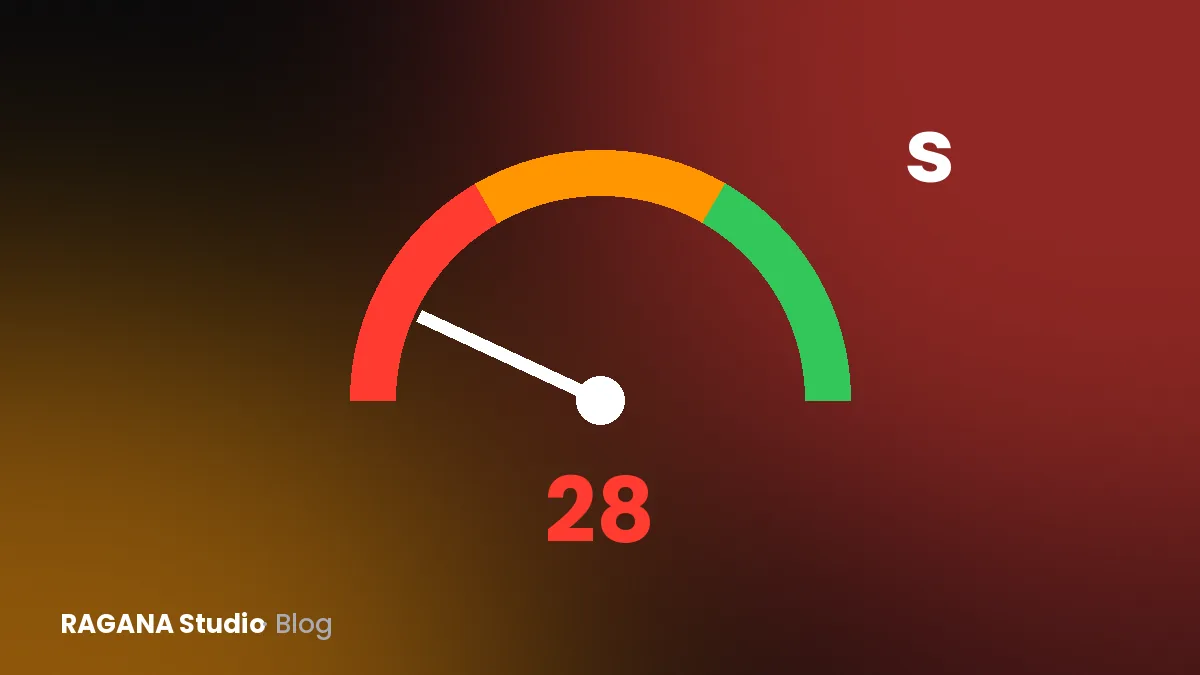
Google considers a page fast when its main content appears within 2.5 seconds for most visitors, and PageSpeed Insights rates a lab score of 90–100 as good and anything under 50 as poor. Most slow WordPress sites miss those marks not because of WordPress itself, but because of what sits on top of it: a heavy page builder, too many plugins, oversized images and cheap shared hosting. Several of those you can fix today, for free.
I built WordPress sites for years before I moved to hand-written static sites, so I know both sides. Here is how to measure properly, what usually causes the problem, and when repairing stops being worth it.
How do I measure my site’s speed correctly?
Open pagespeed.web.dev, enter your address and look at the mobile result first. Most of your visitors are on phones, and phones are where slow sites hurt. Or use my website speed test, which shows the same mobile scores.
Test the pages people actually arrive on, not only the homepage: a service page, a product, the contact page. Run each test two or three times, because the score moves a little from run to run.
The report has two parts. The top part, if it appears, is field data: what real Chrome users experienced over the last 28 days. Small sites often do not have enough visitors for it. The score below is lab data, a simulated test on a mid-range phone. The field data tells you what customers felt; the lab data tells you why.
What are Core Web Vitals, in plain words?
Google uses three measurements, judged on the experience of the slowest quarter of visits:
- Largest Contentful Paint (LCP): how long until the biggest thing on the screen, usually a photo or headline, is visible. Good is 2.5 seconds or less.
- Interaction to Next Paint (INP): how quickly the page reacts when someone taps a button or opens a menu. Good is 200 milliseconds or less.
- Cumulative Layout Shift (CLS): how much the page jumps around while loading, so that you tap the wrong thing. Good is 0.1 or less.
On slow WordPress sites, LCP is usually the red one.
Why is my WordPress site slow? The usual causes
A heavy page builder or theme
Drag-and-drop builders and all-in-one themes are convenient. The price is code: many layers of wrappers, styles and scripts for features your page never uses, loaded on every page.
Too many plugins
Each plugin can add its own scripts, styles and database queries. Twenty small plugins that each add a little make one slow site. Sliders, social feeds, pop-ups and visual effects are typical offenders.
Huge images
A photo straight from a phone or camera is often several megabytes and thousands of pixels wide, shown in a box 400 pixels wide. This is the most common cause I see, and the easiest to fix.
Cheap shared hosting
On the cheapest plans your site shares a server with many others. If the server takes a second just to start answering, nothing you do on the page can win that second back.
An old PHP version
WordPress recommends PHP 8.3 or newer. It still runs on older versions from 7.4, but WordPress itself says those have reached end of life and may expose your site to security problems. Newer PHP versions are also generally faster.
Sliders, animations and external extras
Homepage sliders load several large images before anyone sees one. Chat widgets, tracking codes, embedded maps and videos, and fonts from other servers each add requests to other companies’ servers that you do not control.
What can I do today, for free?
Make a full backup first, or ask your host to. Then, roughly from easiest to hardest:
- replace the homepage slider with one good, static image
- delete plugins you have deactivated or no longer use, not just switch them off
- resize photos to the width they are actually shown at and convert them to WebP; for most pages that means well under 2,000 pixels wide
- use one caching plugin, set up properly, not two or three competing ones
- replace embedded YouTube videos and maps with a preview image that loads the real thing only on click
- check your PHP version in the hosting panel and update it after testing on a copy of the site
Run PageSpeed again after each step, so you know what helped.
What are the bigger steps?
If the free fixes are not enough:
- move to better hosting, ideally with server-side caching and a content delivery network
- replace heavy plugins with lighter ones, or with a few lines of code
- switch from a page builder to a lightweight theme, which in practice means rebuilding the pages
- have someone go through the scripts, fonts and database properly
These cost time or money, and the theme switch is close to a redesign.
When is repairing not worth it any more?
Be honest with yourself if you see these signs:
- the mobile score stays under 50 after the easy fixes, because the builder itself produces the heavy code
- every fix breaks something else, or an update takes the site down; if you have already seen a white screen, read my post on the WordPress critical error
- you pay for repairs every few months and the site is several years old anyway
- you no longer dare to update anything
At that point, a rebuild can cost less than another year of patching. I compared the two paths on my WordPress vs custom-coded website page.
What I do, and what it costs with me
For an existing site, my PageSpeed optimisation costs €199. I measure first and send you the score and the causes. If your site, say a heavy WordPress theme, cannot reach 90 on mobile, I tell you before you pay. Otherwise I work on images, scripts and caching up to the agreed target, and you check the result yourself.
Sometimes the honest answer is that a new site is cheaper in the long run. My new sites are hand-written, without plugins, and come with PageSpeed 90+ on mobile guaranteed in writing, from €499 for one page. Details are on my fast website page.
Your next step
Test your three most visited pages on mobile today and write down two numbers for each: the score and the LCP time. Then do the free fixes above and test again.
If the numbers stay red, send me your address. I reply on the same working day with what slows your site down and whether it is worth repairing.
In short
- Good means main content visible within 2.5 seconds, reaction to taps within 200 ms, almost no jumping (CLS 0.1 or less).
- Always test on mobile, the pages people really land on, two or three times.
- The usual causes: page builders, too many plugins, huge images, cheap hosting, old PHP, sliders and external scripts.
- Start free: backup, remove the slider and unused plugins, resize images, one caching plugin.
- If the score stays under 50 after that, a rebuild may cost less than repairs.
Want a website that brings you customers?
Send me the name of your business. I'll reply with a free check of your Google profile.