15 October 2026
WordPress Critical Error? First 30 Minutes, Then Repair or Rebuild
White screen, "critical error" or a hacked redirect after a plugin update? What to check first, what a repair usually costs and when rebuilding is cheaper.
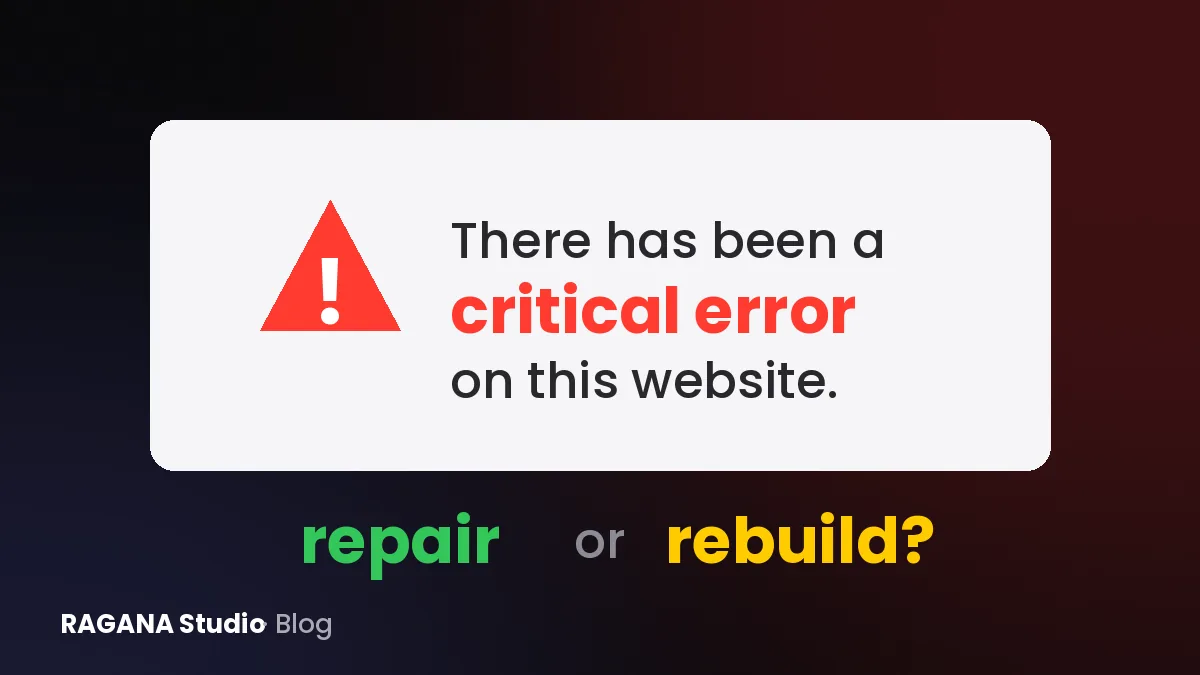
You open your website and see a blank white page. Or one cold sentence: "There has been a critical error on this website." Or worse, your homepage suddenly sends visitors to a casino or a fake pharmacy. Usually right after an update, on a Friday evening, when the person who built the site no longer answers the phone.
I built WordPress sites for years before I moved away from them, so I know this moment well. Here is what to do in the first 30 minutes, when a repair is enough, and when rebuilding is the cheaper option in the long run.
The first 30 minutes: calm, backup, diagnose
Don't click everything at once
Don't update, reinstall and delete things at random: every change makes it harder to find what broke. Write down what happened just before: a plugin update, a theme change, a new plugin, a hosting change.
Make a backup of the broken site
Yes, even of the broken version. In your hosting panel, download the files (especially the wp-content folder) and export the database. Also check whether your host has an automatic backup from before the problem: that may already be your solution.
Check your e-mail for the recovery mode message
Since version 5.2, WordPress tries to send the admin e-mail address a message titled something like "Your Site is Experiencing a Technical Issue". It usually names the plugin or theme that caused the error and contains a special recovery mode link that lets you log in and deactivate it. Check your spam folder too.
Read the error log
Your hosting panel usually has an error log. Look for lines with "Fatal error" and a file path: the path often contains the name of the guilty plugin, for example wp-content/plugins/some-plugin. If there is no log, your developer can switch on WordPress debug logging in wp-config.php, which writes errors to a file inside wp-content.
Disable all plugins without logging in
If you can't reach the dashboard, open the file manager or FTP and rename the folder wp-content/plugins to something like plugins-off. WordPress then loads without any plugins. If the site comes back, rename the folder back and disable the plugins one by one (rename each plugin's own folder) until the error returns. That is your culprit.
Switch to a default theme
If plugins aren't the problem, the theme may be. Renaming the active theme's folder makes WordPress fall back to a default theme, if one is still installed. If the plain version loads, you know where the problem is.
Check the PHP version
Hosting companies regularly retire old PHP versions. An old theme or plugin written for PHP 7 can break the moment the server moves to PHP 8. In the hosting panel you can often see, and temporarily change, the PHP version. Switching back is a short-term bridge, not a fix: PHP 7.4 stopped receiving security updates at the end of 2022.
When to call someone right away
- Your site redirects visitors to spam or shows content you didn't write: treat it as hacked, not as a bug.
- You find admin users you don't know.
- Google Search Console reports security issues, or browsers show a red warning.
- You have no backup and the site sells or takes bookings.
- You don't have the hosting or FTP logins at all.
For a hacked site, change all passwords (hosting, WordPress, FTP, database, e-mail), ask your host for a malware scan and don't simply restore an old backup without closing the hole first, or it happens again. This is general good practice, not a full security guide.
What a repair usually costs
Prices vary a lot by country and by who does it. International emergency services often advertise flat fees from roughly 100 to 300 € for a white screen or critical error, and roughly 300 € up to around 1,000 € for cleaning up a hacked site. Hourly rates commonly range from about 40 to 200 €. Local freelancers in Romania or Hungary are often cheaper per hour, but a hacked site without backup takes many hours anywhere. Ask for a fixed price or a cap before work starts.
Repair or rebuild? The honest signs
Repair is usually enough when
- One identifiable plugin or update caused the error.
- The theme and plugins are still maintained and updated.
- The site is less than a few years old and you are happy with it.
- There is a clean backup.
A rebuild is often cheaper when
- Several plugins haven't been updated in years or have been abandoned.
- The whole site is built with a page builder you can't leave without redoing every page.
- The theme dates from the PHP 7 era and breaks with every server update.
- The site has been hacked more than once.
- You pay for repairs every few months and still fear every update.
Then you are paying repeatedly to keep an old system alive. I compare both approaches in detail on WordPress vs a custom-coded website.
How to avoid the next emergency
- Updates with a plan: update regularly, but after a backup, and check the site afterwards.
- Backups off the server: at least weekly, stored somewhere other than your hosting.
- Monitoring: a free uptime monitor e-mails you when the site goes down, before customers notice.
- Fewer moving parts: every plugin is code someone else must keep maintaining.
Or remove the cause entirely. The sites I build today are hand-coded, static and run without plugins or a database to break into, so there is no plugin update that can take them down. They are also fast: La Lavinia and raganadesign.shop both scored 100 in all four PageSpeed Insights categories on mobile on 12 October 2026. My guarantees are on the guarantees page.
Your next step
Spend ten minutes today: find out whose e-mail receives the WordPress admin messages, check that you have the hosting and FTP logins, and look up when your last backup was made. If your site is already broken, or you are tired of fixing it, write to me through the contact form or WhatsApp. I reply on the same working day and tell you honestly whether a repair is enough or whether a rebuild makes more sense. If it is a rebuild, you can get a free design preview of your new homepage within 48 working hours, with no obligation.
Want a website that brings you customers?
Send me the name of your business. I'll reply with a free check of your Google profile.